Subscribe to immit jobs
Hand-picked jobs in Japan that need your Japanese. Written up in English, with visa and language details included. For N2+ learners.
What's new in immit, October 2026
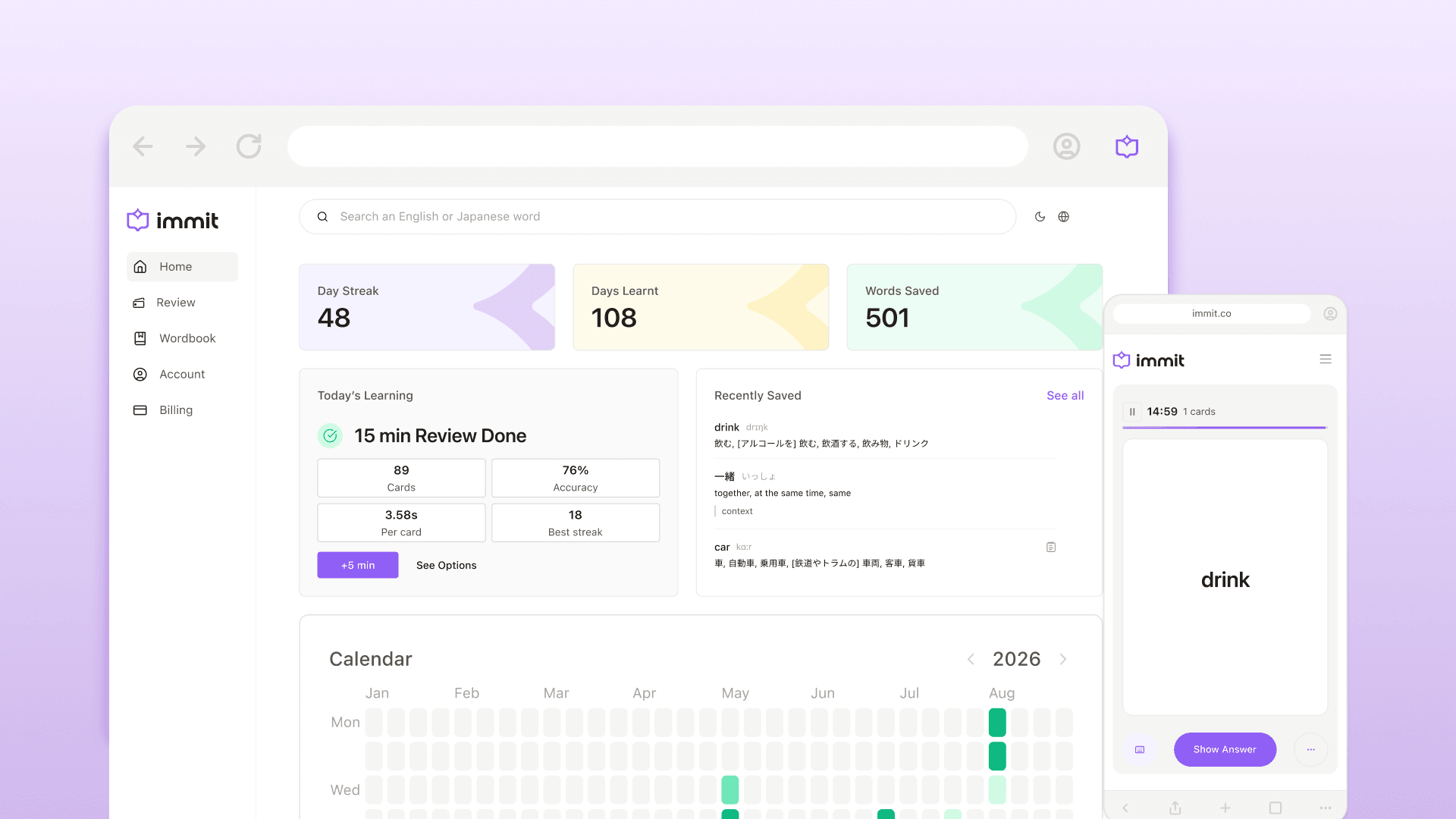
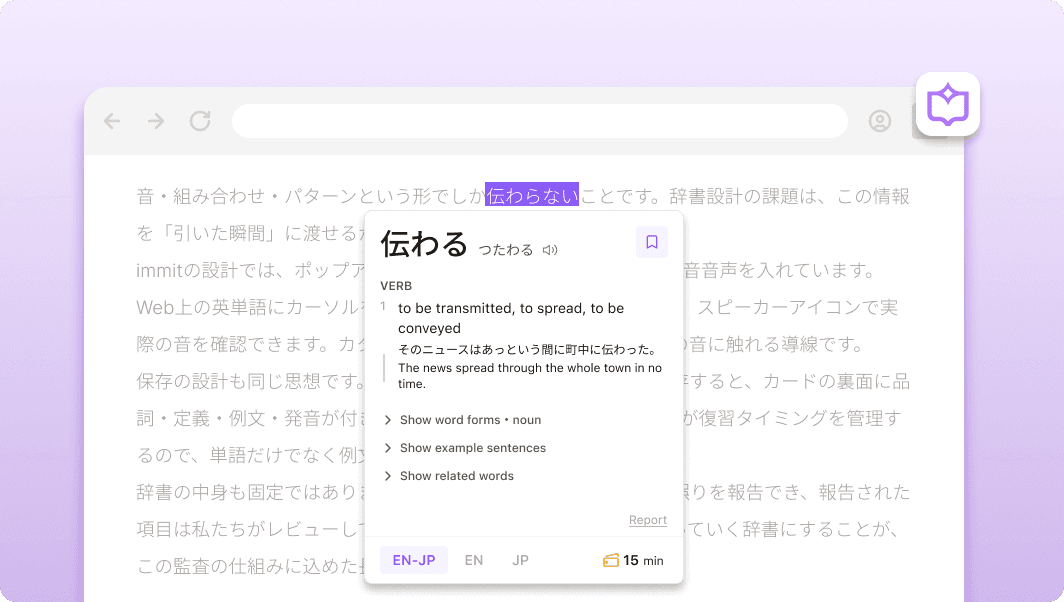
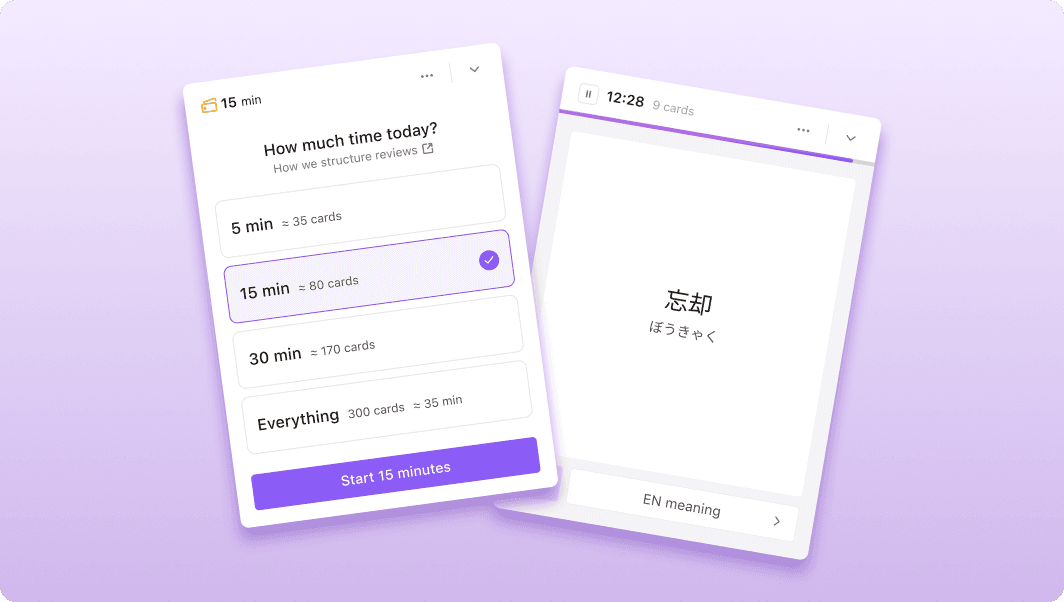
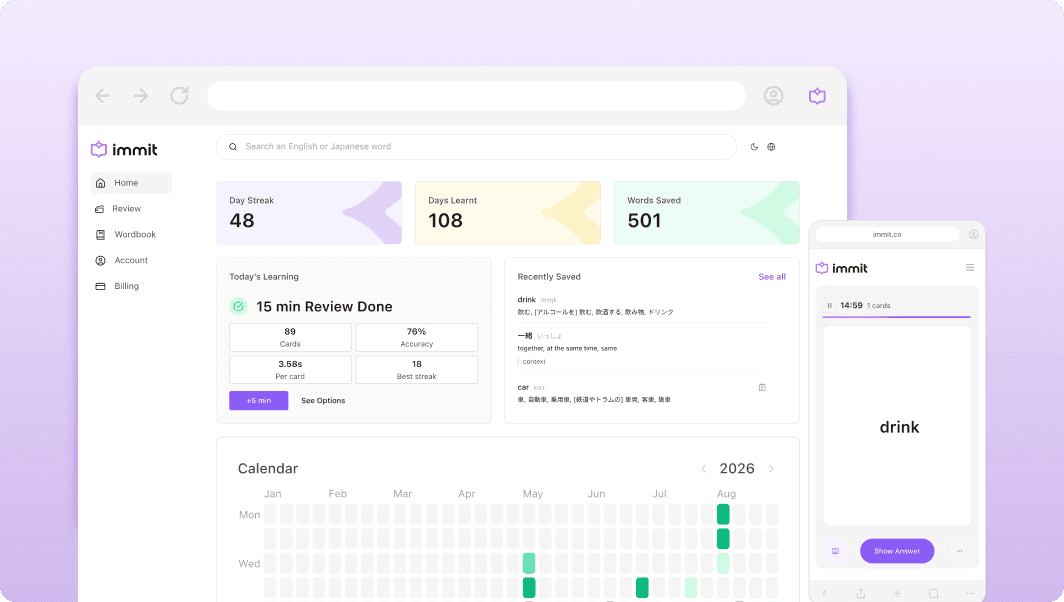
If you added immit to Chrome back in the spring, you got a popup dictionary, a one-click save, and a review queue, and you got sent to install a desktop app before any of it worked. Most of that has changed since. This post is the full list in one place, with the reasoning behind the bigger changes, and it ends with what still isn't there.
Everything in immit is free
The one that changes the install screen first. Everything in immit is free: the four dictionaries (Japanese to English and back, plus monolingual Japanese and English), saving, FSRS review, offline use, sync across devices, and review on your phone through the web app. There are no ads.
If you would rather not create an account, nothing changes for you. Lookup, saving, and review work without one, and your lookups stay on your device. An account is only for sync and for the email reminder described below.
The extension no longer needs the desktop app
immit used to send you to install a desktop app right after you added the extension, because that is where the dictionary lived. The Chrome extension now downloads the dictionary itself. Add it to Chrome, let it download once, and you're reading. Lookups run on your device after that, so they keep working on a plane or with the network off.
The desktop app for Mac, Windows, and Linux is still there, still free, and still useful for reading outside the browser or when you only want to run through cards.
Saved words keep the sentence and the page they came from
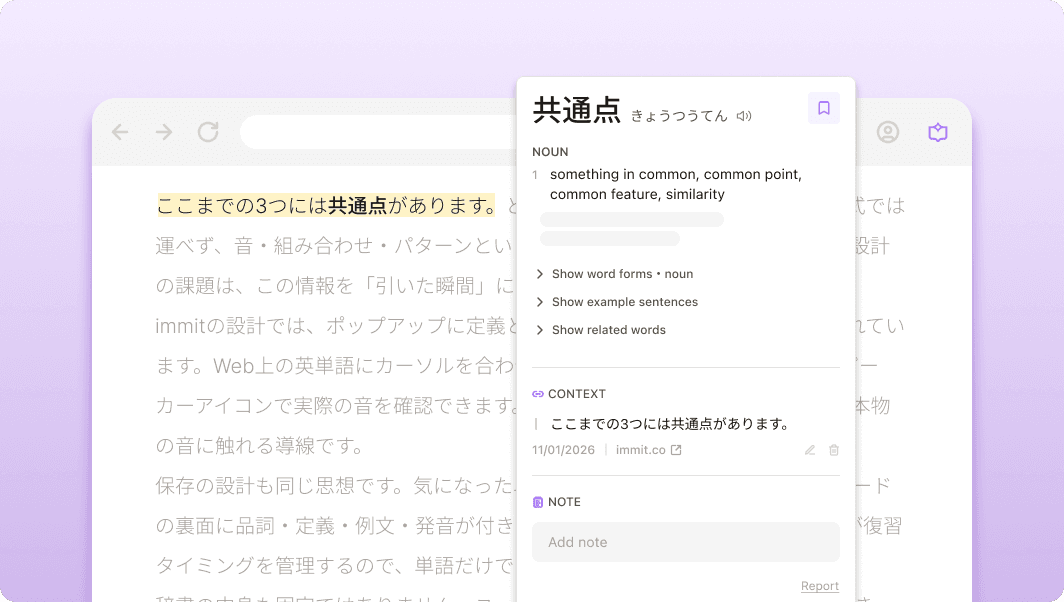
Until this update, saving a word saved the word. The bookmark click now also records the sentence the word was in and the page it came from. The save itself did not change: it is still one click, and capturing context never slows it down or blocks it. When a sentence can't be captured, in a PDF viewer or on a YouTube caption for instance, the word saves exactly as before.
During review, the context appears on the answer side, after you flip the card or type your answer. You still recall the word on its own; the sentence is there to check yourself against the place you actually met it. Open the card in your Wordbook and you can read, edit, or delete it.